Your Get started checklistOnce you've claimed your profile, your Finuro dashboard shows exactly what to set up next, and a reminder on every other page keeps you on track. This guide explains both. For Research Analysts and Investment Advisers · Last updated: 15 November 2026 Before you start
The Get started cardYour dashboard opens with Get started with Finuro. It lists the few steps to go live and shows how many you've done. 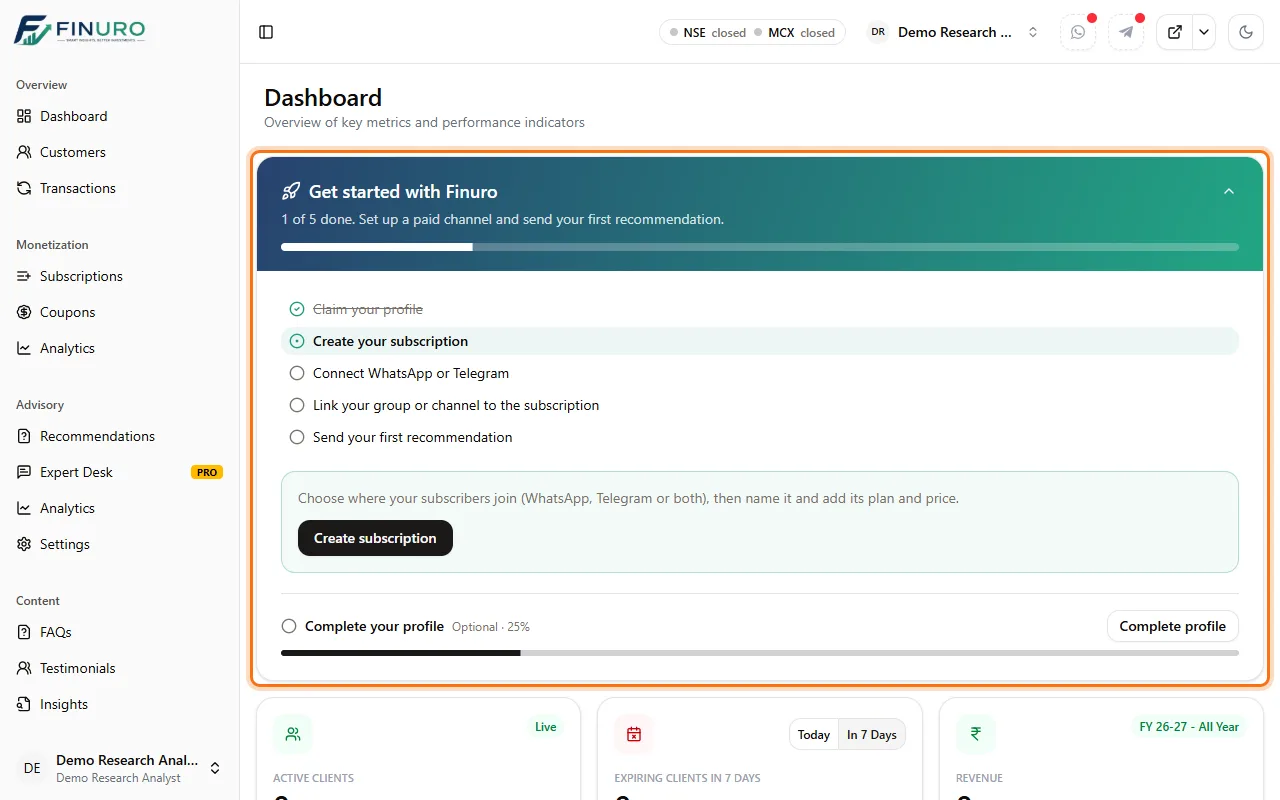 The steps, in order:
Investment Advisers also see Set up risk profiling: the risk profiles and questions clients answer, so each client is matched to a profile. Do the next step from the cardThe highlighted step is the one to do next. The box under the list explains it and has a button that takes you straight there. Steps tick off on their own as you finish them. 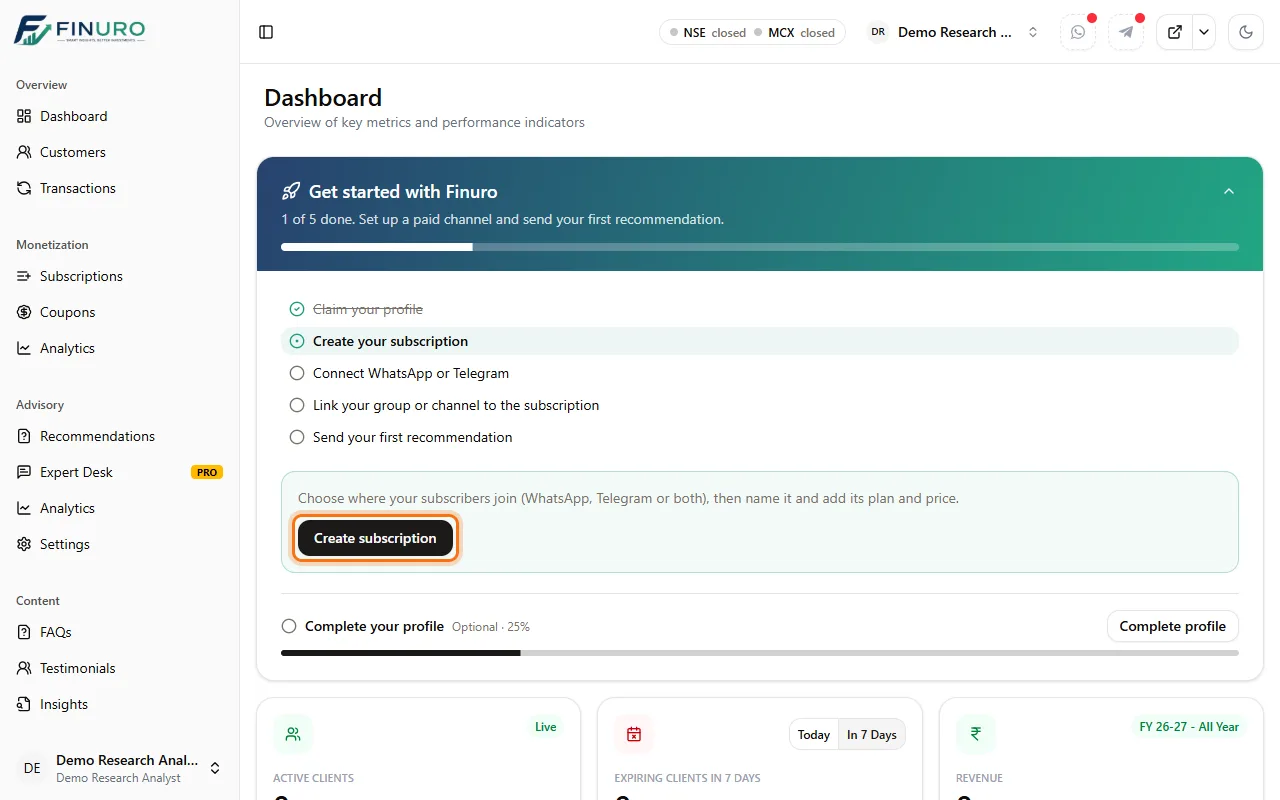 Complete your profile (optional)At the bottom of the card: your headline, about you and contact details shown to visitors. It's optional and never blocks the other steps, but a complete profile builds trust. You can fold the card away with the arrow at its top right. 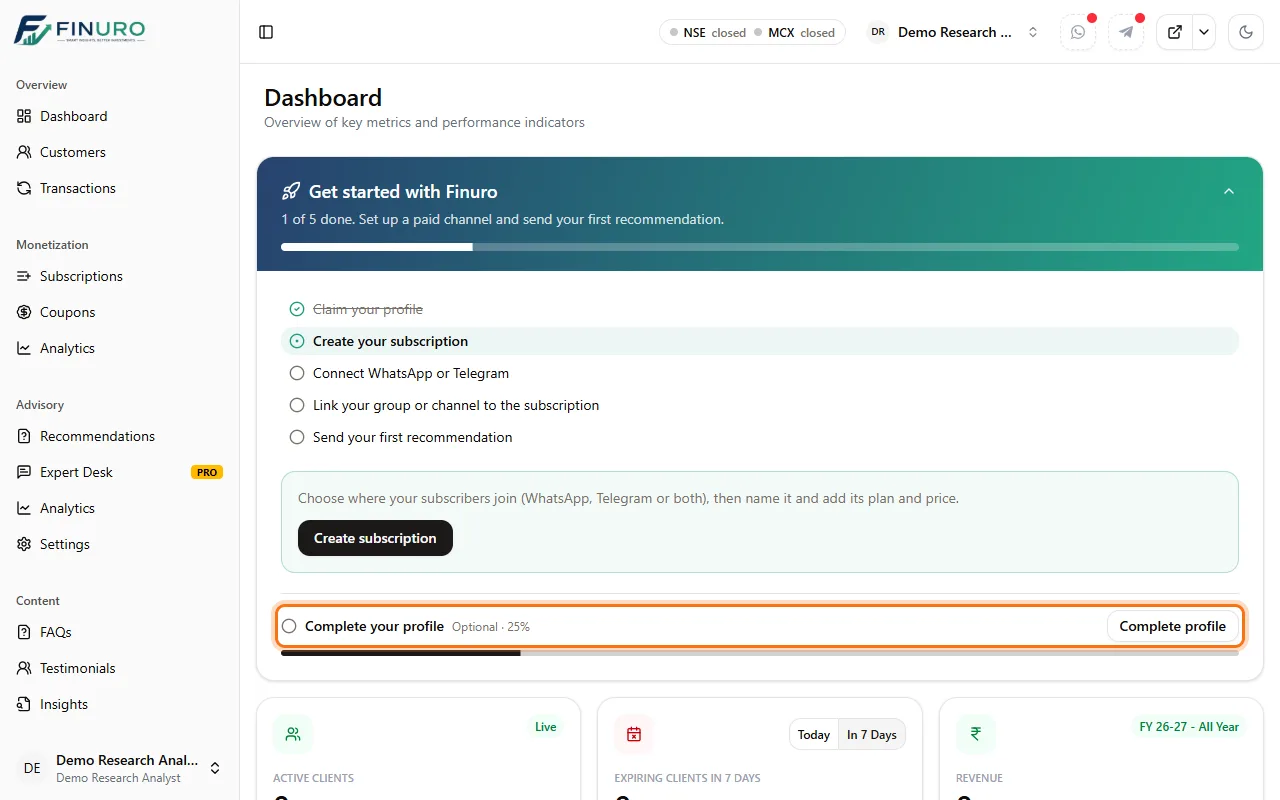 The reminder on every pageWhile steps are left, every other page shows a slim reminder under the header: how many steps are left and what's next. 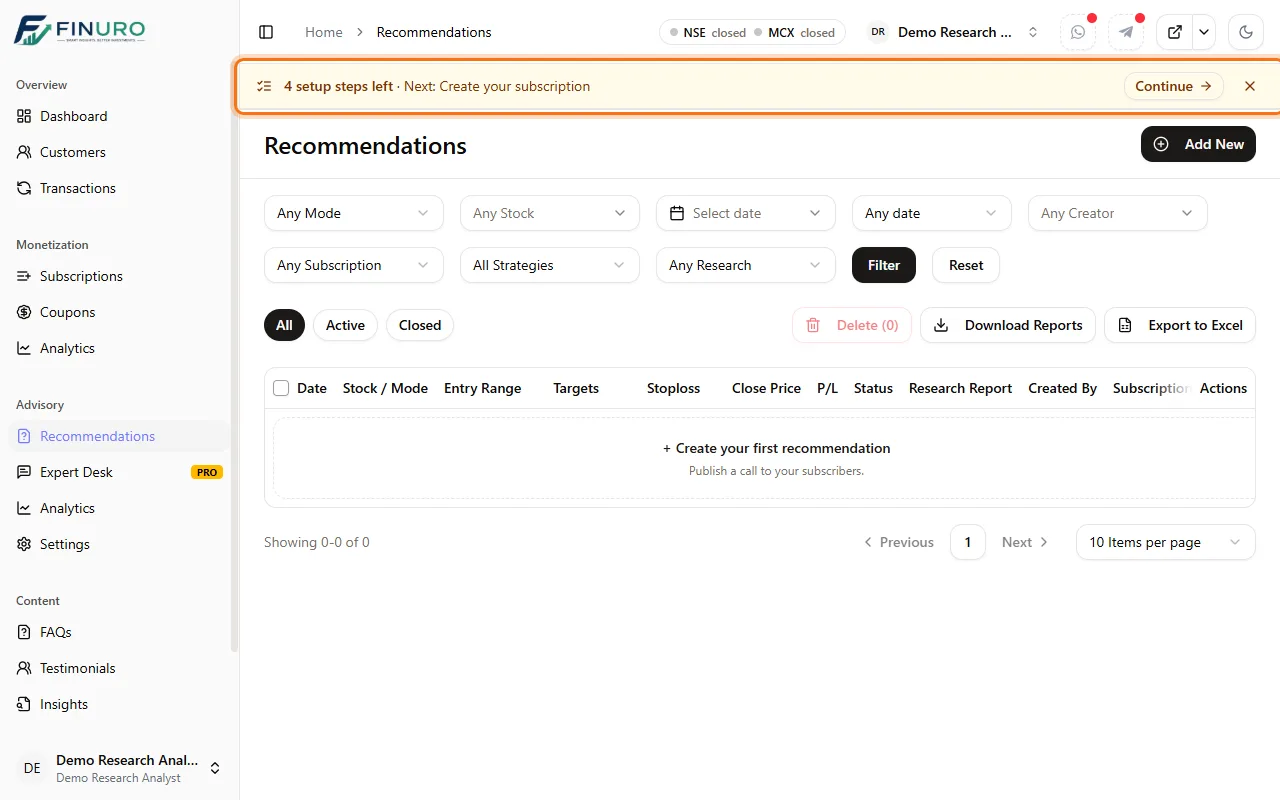 Click Continue to jump to the next step. 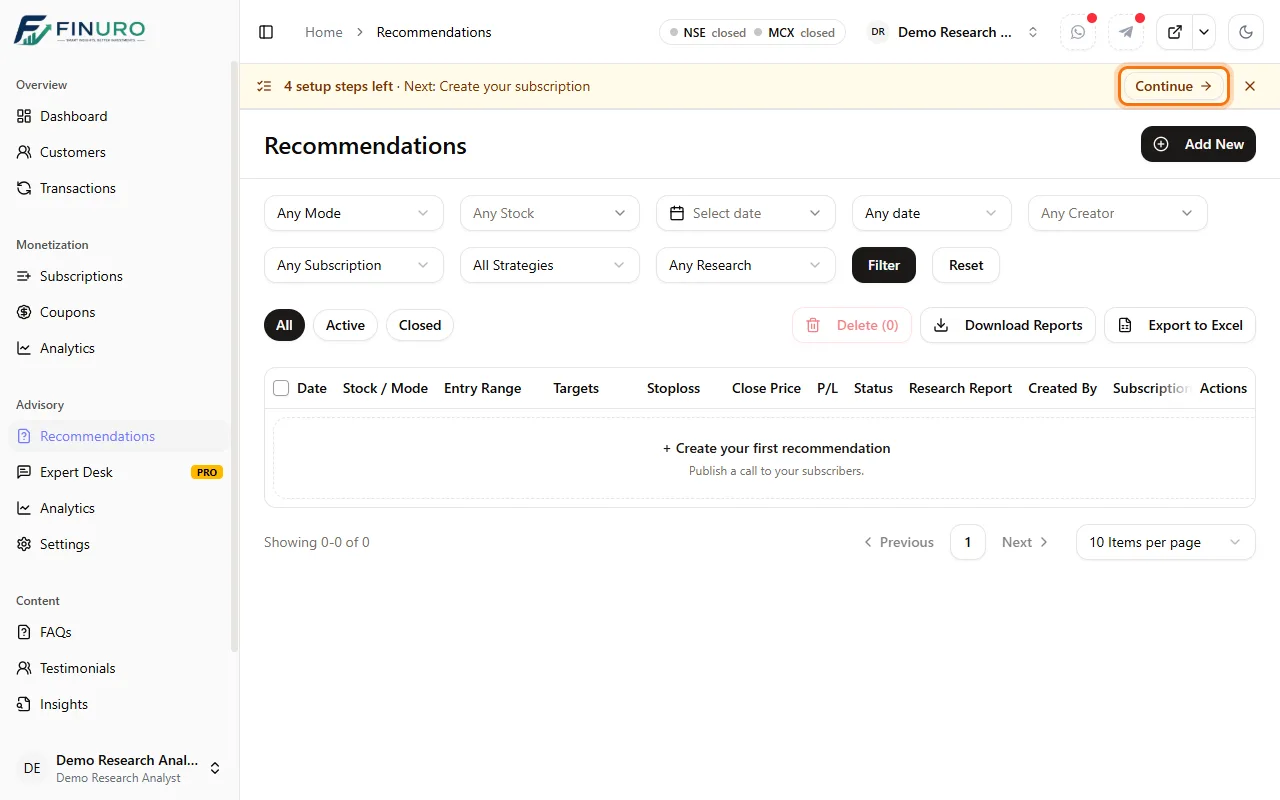 Click × to hide the reminder until you next open Finuro. 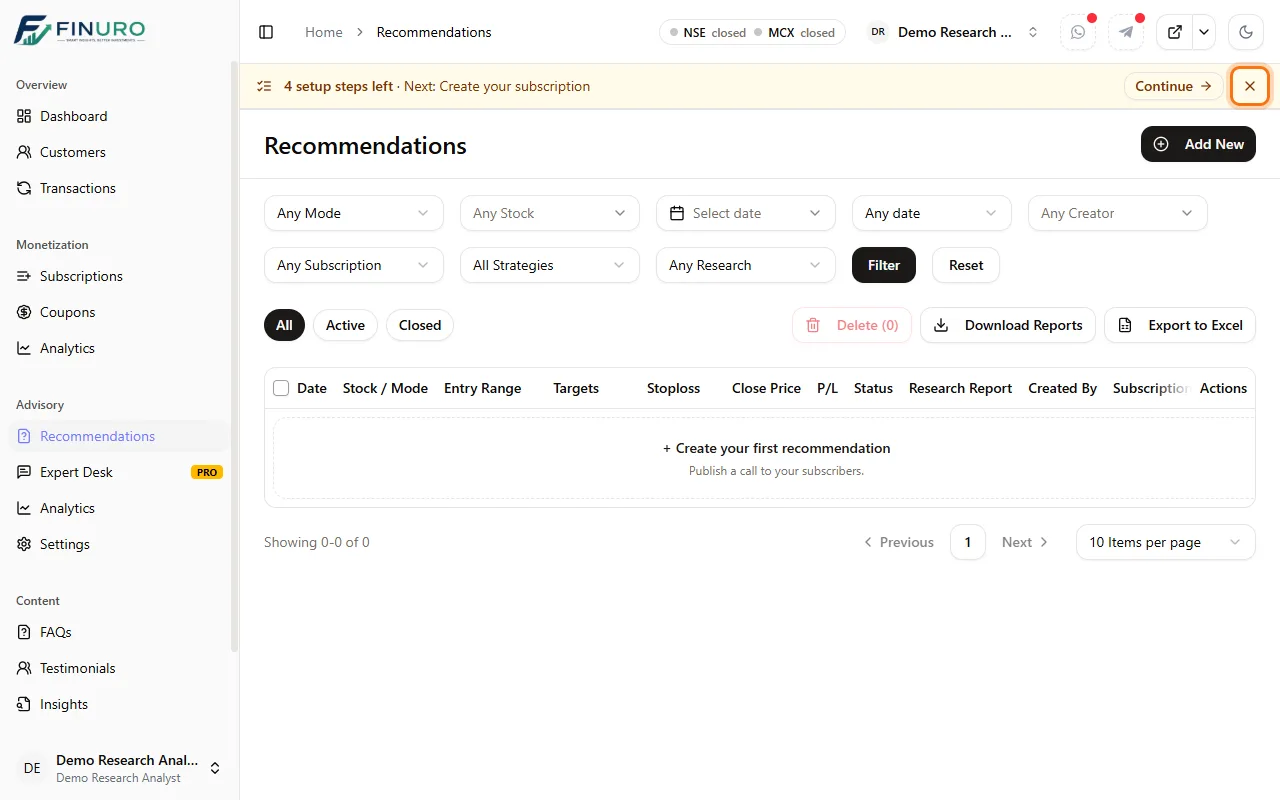 Continue takes you to Subscriptions, where you choose how your subscribers join. 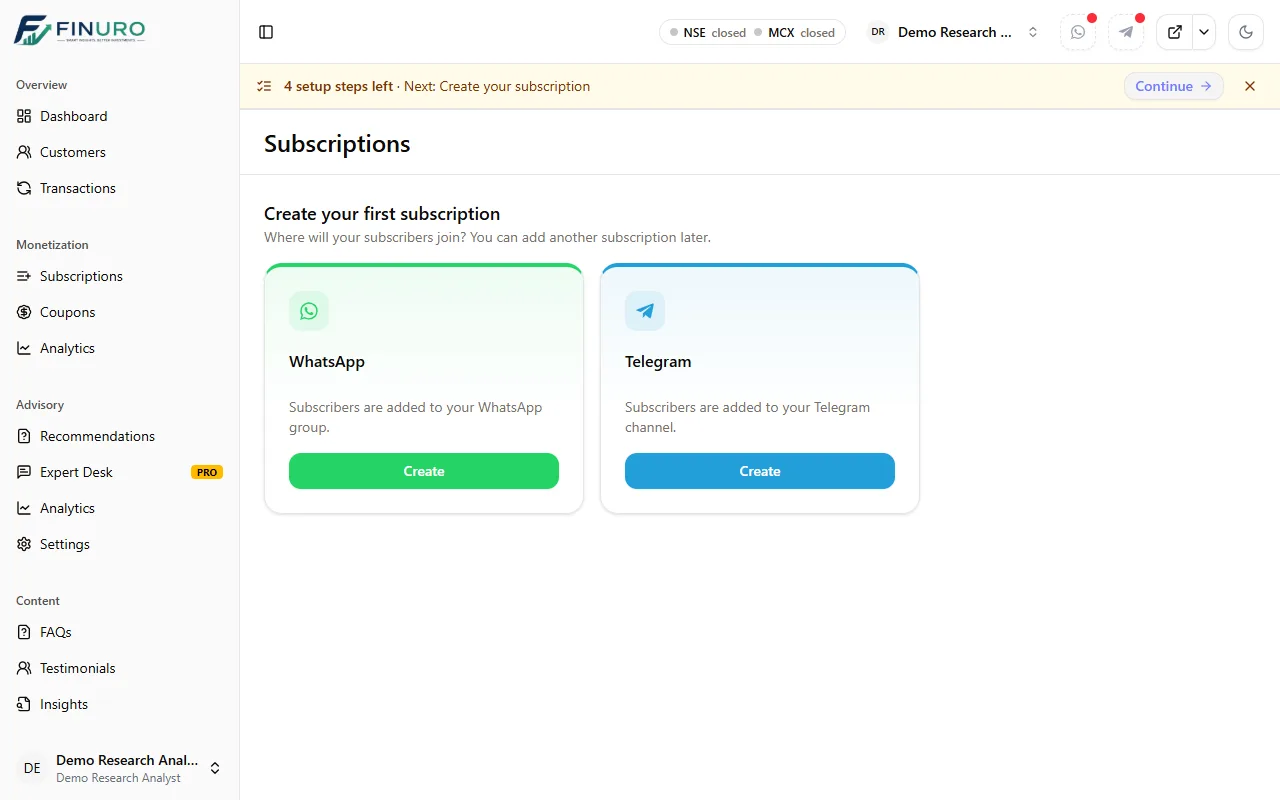 What's nextCreate Subscription offering with FINURO → Name your offering, set its plans and price, and choose where subscribers join. |

Book a Demo
See how Finuro handles onboarding, recommendations, model portfolios, and billing for your advisory firm. Tell us a little about your practice and we'll walk you through the platform on a live call.