e-KYC and e-Sign Client Onboarding for SEBI RAs and IAsFinuro onboards your clients online, end to end: it checks their KYC with the KRA, fetches PAN details, collects risk answers and gets the agreement e-signed with Aadhaar, so a new client can be active the same day without paperwork. 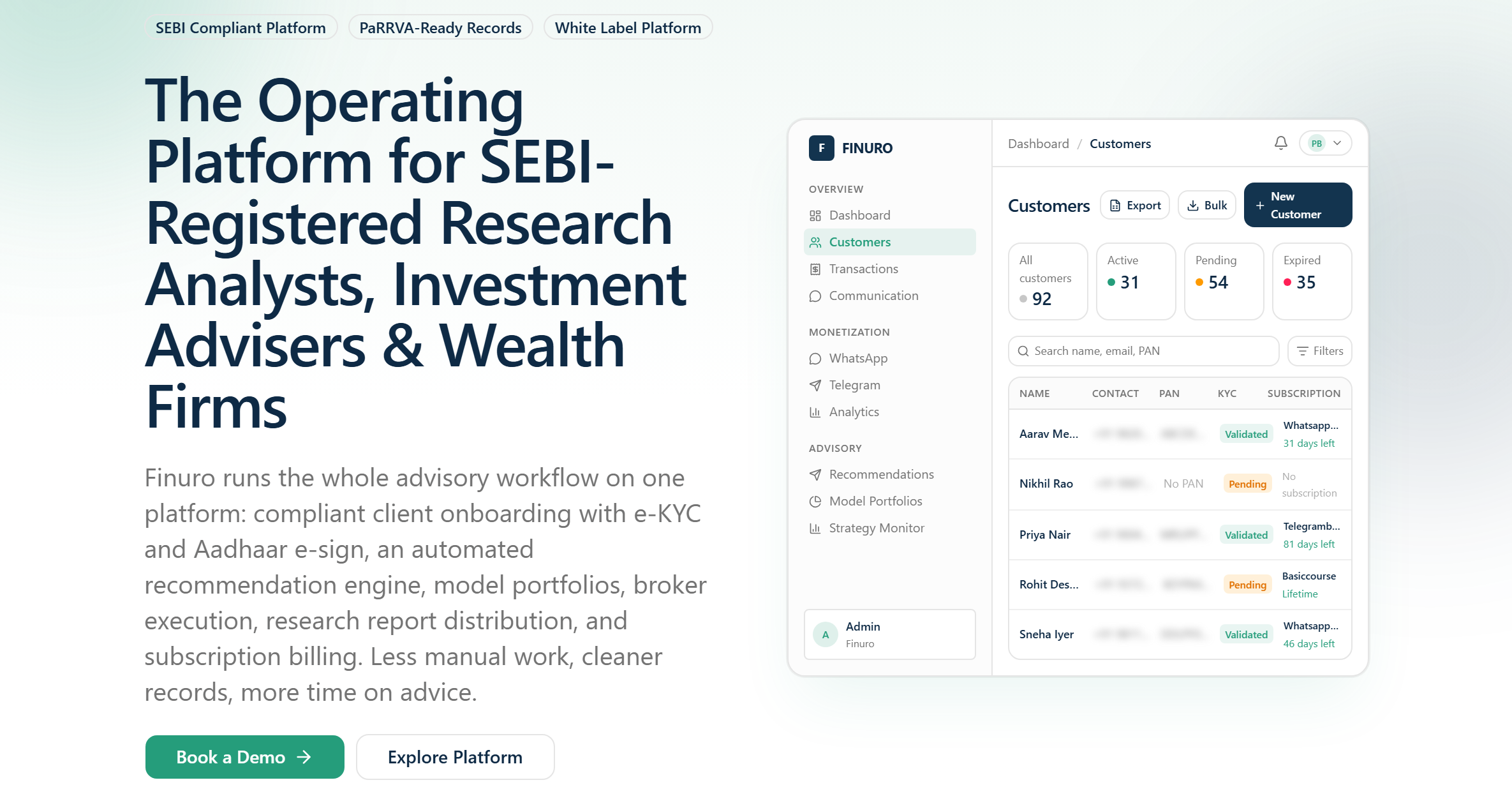 ONBOARDING What does Finuro's client onboarding include?Every step SEBI-registered research analysts and investment advisers repeat for each new client, in one flow. KRA KYC checksCheck a client's KYC status with CVL KRA or NDML KRA, choose the KRA your firm uses, and fetch their KYC documents into the client record. PAN lookupFetch PAN details during sign-up so the name and identity on the agreement match the client's records. Aadhaar e-sign with DigioSend the client agreement for Aadhaar e-sign through Digio, or use email OTP e-sign, and track each signature's status. Consent recordsSigned agreements and consent PDFs are stored against the client, ready for audits and SEBI inspections. WHY IT MATTERS Why do RAs and IAs move onboarding online?Paper onboarding is slow for clients and hard to defend in an inspection. Clients start soonerA client who can sign up, verify KYC and e-sign in one sitting is far less likely to drop off than one waiting for PDFs by email. Fewer manual checksKRA lookups and PAN details are fetched for you, instead of being typed in and cross-checked by hand. Records in one placeKYC results, the signed agreement and consent sit on the client record rather than across inboxes and folders. Ready for inspectionWhen SEBI or an auditor asks for a client's onboarding file, it is already complete and dated. How client onboarding worksStep 1 Client signs upThe client registers on your branded portal or from a link you send from the CRM. Step 2 KYC is verifiedFinuro checks KYC with the KRA and fetches PAN details, flagging anyone who needs fresh KYC. Step 3 Risk profile is capturedThe client answers your risk questionnaire online, and the profile is saved to their record. Step 4 Agreement is e-signedThe agreement goes out for Aadhaar or email e-sign, and the client is active once it is signed. |

Who needs online client onboarding?
Every SEBI-registered research analyst and investment adviser has to know their client before taking a fee. In practice that means checking KYC, sharing the terms of service, recording consent and, for investment advisers, profiling risk. Firms that still do this with PDFs and email lose clients between steps and end up with files spread across inboxes. Finuro's onboarding is built for solo RAs, IA practices and larger research firms that want every new client verified, signed and ready on the same day.
What SEBI expects at onboarding
SEBI-registered intermediaries complete client KYC through a KYC Registration Agency (KRA). Research analysts must also share the Most Important Terms and Conditions (MITC) with clients and keep evidence that clients accepted them, and investment advisers must profile each client's risk before advising. Rules change through circulars, so always check the current SEBI requirements; Finuro gives you the tools to follow them and a record that you did.
How onboarding works inside Finuro
A sequence you configure per product
For each subscription, course or booking you choose the onboarding steps and their order: KYC, MITC, risk assessment and payment. Each step can be switched on, off or bypassed for a product, and you can let clients re-do a completed step when their details change.
KYC through the KRA
Finuro checks the client's KYC status with CVL KRA or NDML KRA, whichever your firm uses, and fetches PAN details so the name on the agreement matches official records. You can fetch a client's KYC documents using their date of birth and reference number, and set how many days a KYC check stays valid before it is repeated.
MITC and agreement e-sign
Write your MITC as text or upload it as a PDF, preview it, and reset to the default at any time. Clients sign with Aadhaar e-sign through Digio or Cashfree, or with an email OTP if you prefer. Each signed document is stored on the client record, and a manual consent PDF can be generated when consent is collected another way.
Compliance details in one place
Your SEBI registration number and expiry, BSE enlistment number, NISM certificate expiry and reporting year sit in the compliance settings, so expiring credentials are visible before they become a problem.
Finuro compared with manual onboarding
| Step | Manual process | With Finuro |
|---|---|---|
| KYC check | Log in to the KRA portal and copy results | KRA status and PAN details fetched into the client record |
| Terms and consent | Email a PDF and wait for a scanned signature | MITC shown in the flow and e-signed with Aadhaar or email OTP |
| Risk profile | Spreadsheet or paper form | Online questionnaire saved with answers and date |
| Payment | Separate payment link, matched by hand | Payment is the last step of the same flow |
| Audit file | Collected from inboxes and folders | Every document already on the client record |
Downloading onboarding documents for audits
When an auditor or SEBI asks for evidence, you can bulk-download a month of KYC and MITC e-sign documents at once, or export the customer list with KYC status, KYC document link and e-sign document link for each client.
Related Finuro features
- Risk profiling: the questionnaire step of onboarding
- CRM for research analysts: send onboarding and e-sign links to leads
- Subscription billing: the payment step and GST invoices
- SEBI record keeping: where onboarding records live afterwards
Frequently asked questionsCommon questions about e-kyc and e-sign client onboarding in Finuro. Built for SEBI RAs and IAs Onboard your next client in minutesReplace PDFs, email threads and manual KRA checks with one onboarding flow that keeps every record ready for audit. |
Book a Demo
See how Finuro handles onboarding, recommendations, model portfolios, and billing for your advisory firm. Tell us a little about your practice and we'll walk you through the platform on a live call.